Start here
Get started with your tag
Two minutes, no app to install. Tap your tag, enter the 6-digit code from your card, and choose what it opens.
How do I set up my Taproo tag?
Tap your tag, enter the 6-digit code at taproo.com/activate and pick a destination. Most people finish in under two minutes.
Bought several? Activate the first and choose 'apply to all'.
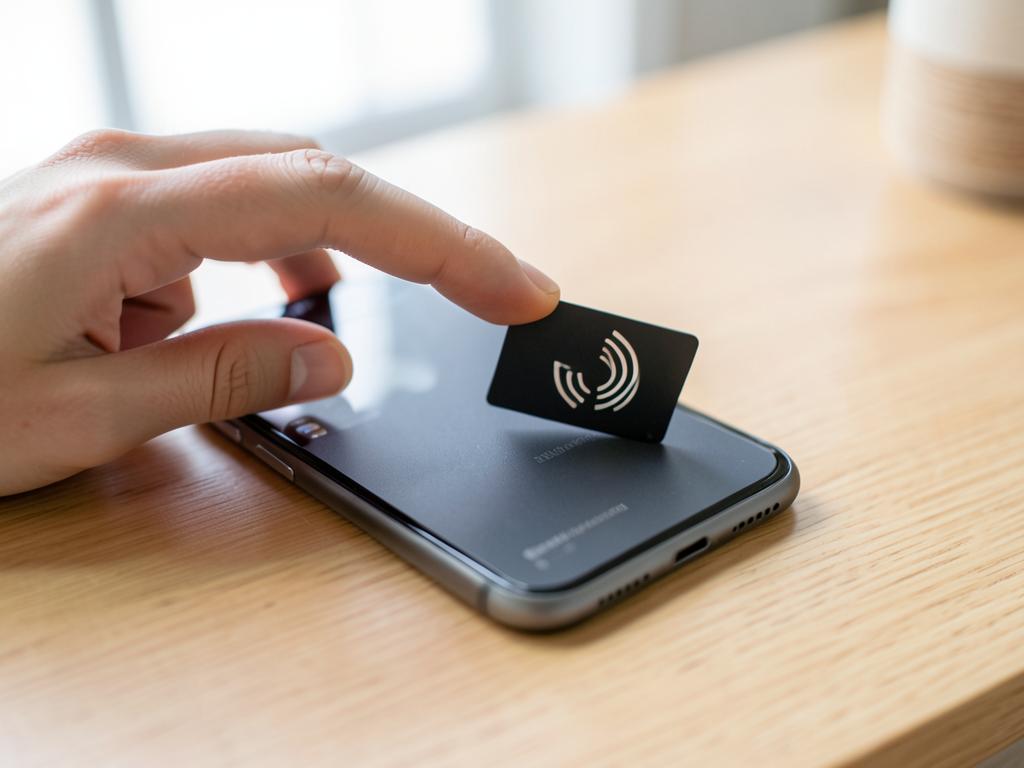

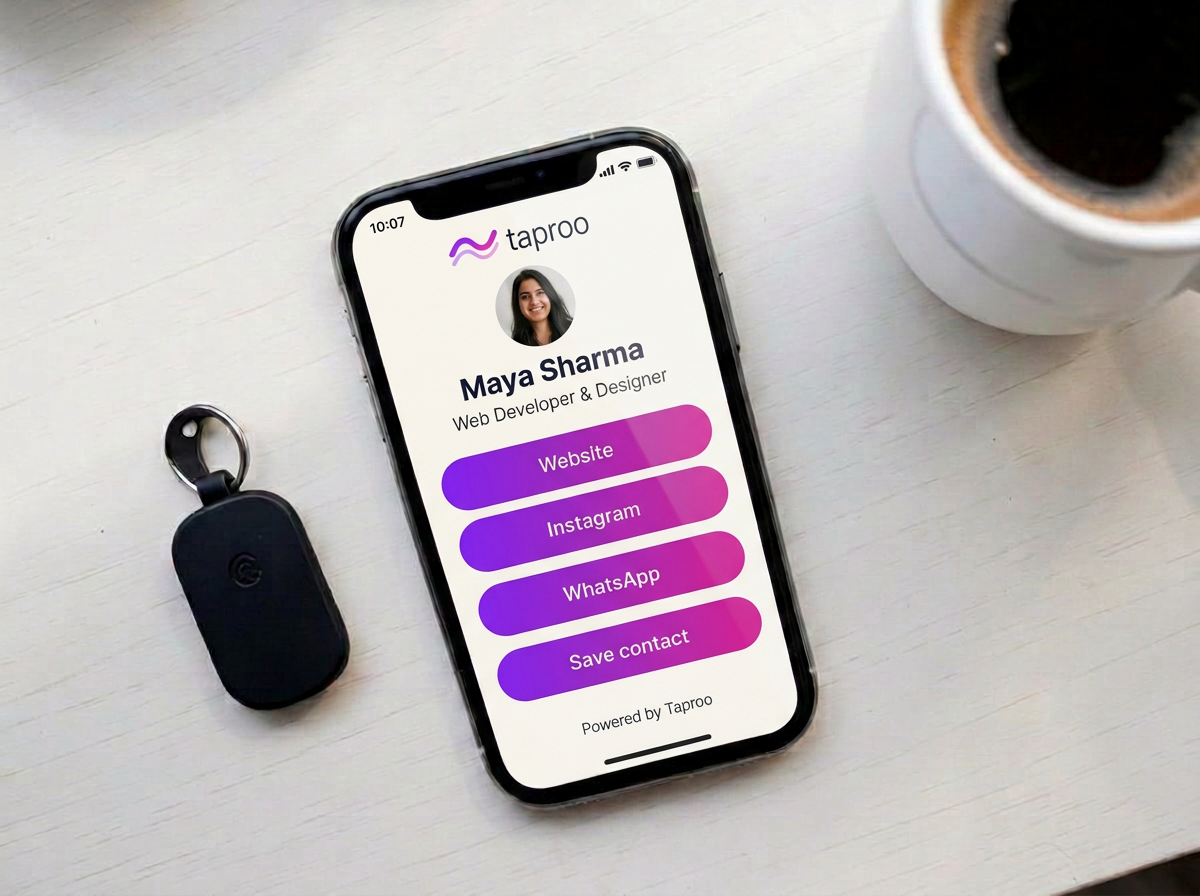
Five steps, start to finish
Step 1
Tap your tag (or scan the QR)
Unlock your phone and hold it against the tag. It opens a taproo.com/t/ address. No app needed — iPhone XS and newer and most Androids read tags from the lock screen.
Step 2
Enter your activation code
Go to taproo.com/activate and enter the 6-digit code printed on the card that came with your order. If you tapped the tag, the tag number is already filled in for you.
Step 3
Create a free account
Sign up with your email or Google. The Free plan costs nothing. Standard tags work under the Free destination limits; Routine Hub separately includes one active Routine — no card required.
Step 4
Choose what the tag opens
Pick a page type — digital business card, Emergency ID (ICE), Google reviews, Wi-Fi, WhatsApp, luggage tag — or point the tag at any web address you already have.
Step 5
Test it, then change it later
Tap the tag again to check it opens the right thing. You can re-point the tag from your dashboard — unlimited between your own Taproo pages, and on Free one change of an external web address (Pro: unlimited). The physical tag never needs re-writing.
Didn't buy a tag?
You don't need hardware to use Taproo. Create a free account, build a page, and share it as a link or a QR code you can print yourself. Add a tag later and point it at the same page.
Something not working?
- Full activation walkthrough
Every screen, with pictures.
- Tag inactive or already activated
What those messages mean.
- Lost or damaged tag
Your page survives — activate a replacement.
- Contact support
We reply within one UK business day.