Branded codes — printed on real Taproo products
Create a branded QR code using your logo and colours, then share it online or print it on business materials. For a tap-to-open experience, explore Taproo NFC cards and stickers; editable destinations are available where supported.
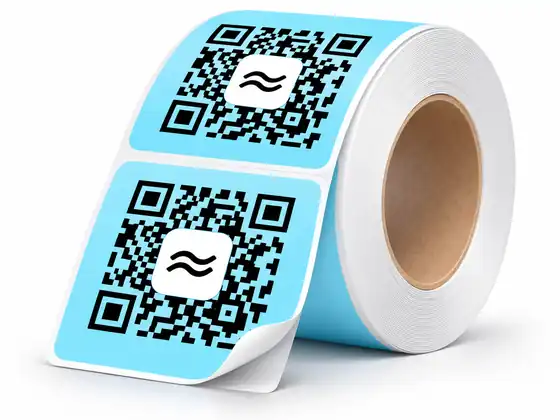
How do you make a branded QR code with a logo?
Add your logo to the centre, set brand colours and keep strong contrast. Keep the logo small and avoid covering finder patterns. Error correction does not guarantee a safe percentage of visible logo coverage; test the final design on real phones before printing.
Logo, colours & shape — all yours
Choose brand colours and module styles. Pro supports your own centre-logo upload; built-in icons are available separately.
Designed for reliable scanning
Use strong contrast and suitable error correction, then test your branded QR on real phones at the intended size.
PNG and Pro export options
Free PNGs include Taproo branding. Custom logo upload and SVG export require Pro; editable destinations depend on the chosen experience and plan.
How it works
- 1
Enter your link
Paste the URL you want the QR to open — your website, vCard, menu, Instagram, anything.
- 2
Style with your brand
On Pro, upload your logo. Set readable colours and choose the module shape, then test the preview and exported code.
- 3
Download or order printed
Grab a high-res PNG or vector SVG, or order professionally printed branded QR cards and NFC stickers.
Taproo shop
Print your branded code on a Taproo product
Explore printed QR stickers, custom NFC labels and business cards. Check each product for supported personalisation and destination options.