AI business card generator — digital, not paper
Skip the print shop. Describe yourself in a line and our AI drafts a digital business card with QR, save-to-contacts and an optional NFC card you tap on someone's phone. Edit once — every card already shared updates with you.
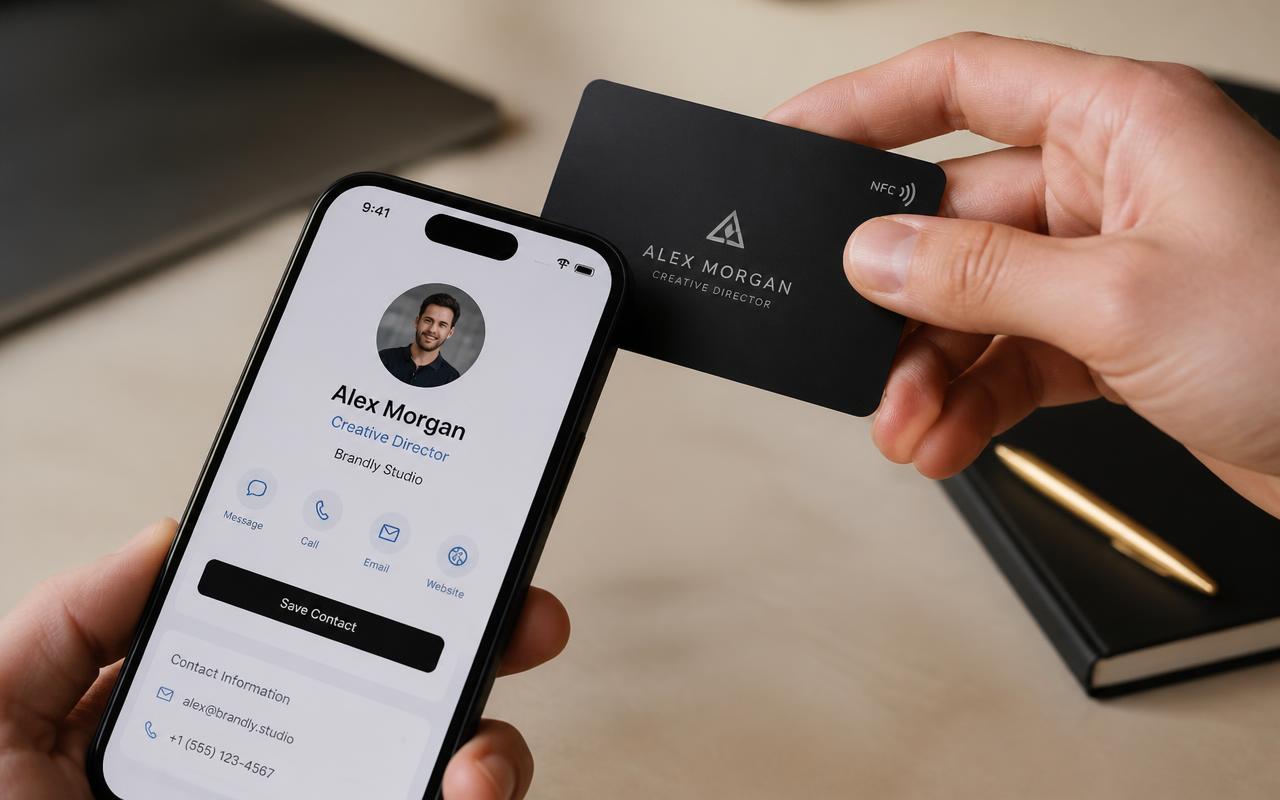
What is an AI business card generator?
An AI business card generator uses a short prompt or your contact details to help create a business card. Some tools generate a printable card design; others create a hosted digital business card that can be shared by link, QR code or optional NFC hardware.
Taproo generates a hosted digital business card with QR sharing and optional compatible NFC hardware; current features and hardware are listed on the relevant Taproo pages.
AI drafts your card in 30 seconds
Type a prompt — 'freelance product designer, friendly, London' — and the AI returns a bio, palette and layout you can publish or tweak.
Digital, not paper
A permanent URL with save-to-contacts, QR and optional NFC card. Update once, every card already shared updates with it.
Optional NFC hardware
Pair the same editable digital card with compatible Taproo NFC business-card hardware. Current materials, availability and prices are listed in the shop.
How it works
- 1
Describe yourself in one line
Tell the AI your role, industry and tone — e.g. 'senior architect in Manchester, formal'. That's it.
- 2
Review the AI draft
Edit the suggested bio, swap colours, reorder contact methods or upload a photo. Publish when you're happy — free, no card details required.
- 3
Share the QR or order an NFC card
Drop the QR into your email signature and LinkedIn banner today, and order a physical NFC business card if you want one-tap sharing in person.
Taproo shop
Make it a Taproo NFC card
Your AI-drafted page tapped onto someone's phone in seconds — no app, no typing.