NFC Tags for Sharing Multiple Social Media Profiles
Use an NFC tag to open a hosted page with your social links. Learn how the linked profile, supported fields and privacy settings work.
Updated 31 October 2026
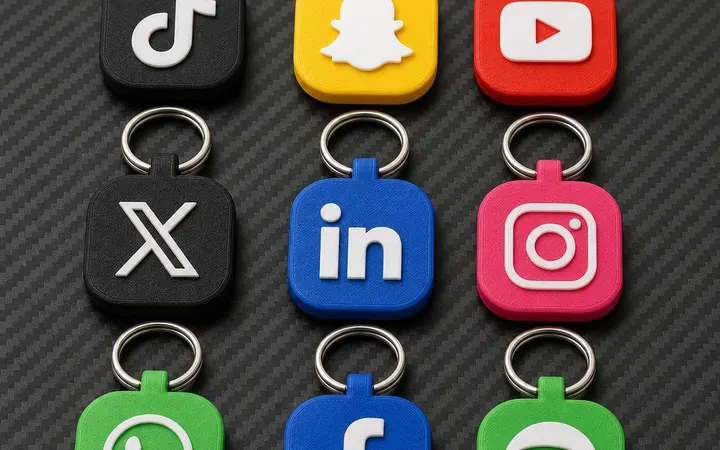
Can an NFC tag store and share multiple social media profiles?
Yes, you can use NFC tags to share multiple social media profiles with a single tap. Rather than storing each profile separately, the tag links to a dynamic page—such as your Taproo digital business card—that lists all your social accounts, websites and contact details for quick sharing and easy updates.
Quick answer:
- NFC tags can link to a dynamic page with all your social profiles.
- You can modify or update your linked profiles at any time via your Taproo account.
- The linked page type and its current allowance determine which social fields and links are available.
- No app is required for recipients; phones with NFC simply open your page.
- Pricing for an editable, versatile Taproo NFC business card starts at £19.99.
How does an NFC tag for multiple social profiles work?
Taproo NFC products use dynamic links: when someone taps your PVC NFC Business Card - Black (£19.99), it opens your customisable Taproo profile page where the available social fields can include services such as Instagram, TikTok, LinkedIn or a portfolio, depending on the chosen page type. Changes you make to your profile are instantly live, making it ideal for creators and networkers.
Choosing the best NFC tag for sharing social media
For everyday networking, the PVC NFC Business Card - Black is the most versatile choice because it's portable, professional, and reprogrammable any time. If you want something always on hand, the NFC Keychain fits on your bag or keys. For those seeking a sustainable option, the NFC Wallet Card (Eco Wood) combines function and eco-friendliness.
Explore all options in the Taproo shop or see more design ideas at templates. For cost breakdown, see pricing.
Practical considerations for UK users
All Taproo NFC tags work with modern iPhones and Android devices (typically 2017+). Dynamic links ensure you're never stuck with outdated social info. Review Taproo's current privacy information and choose deliberately which profile details to publish. Bulk options are available for businesses and creators.
FAQs
Can I add and update social profiles after purchasing the NFC tag?
Yes, with Taproo NFC products, you can log in to your account at any time to add, remove, or edit social media links and other information on your linked profile page.
Will the recipient need an app to view my social media links?
No, recipients do not need any special app—tapping your NFC card or tag with their compatible smartphone opens your social profile page in their browser instantly.
How many social media profiles can I add to my NFC tag?
The available social fields and link allowances depend on the page type and plan. Check the editor and current plan comparison for the experience you intend to publish.
Is it safe and private to share my social profiles this way?
Yes, only the information you choose to display on your Taproo profile is visible. No personal details are shared unless you add them. Published profile details may be viewed by anyone who obtains the page link; the link is not proof of identity or a private access credential.
Which devices are compatible with Taproo NFC tags?
NFC URL reading depends on the phone model, settings and tag configuration. Supported iPhones can use background reading; older models may need a reader action or app. Provide a QR alternative where appropriate and test the actual devices.
Next steps
- Choose your NFC tag or business card from the Taproo shop to start sharing all your socials.
- See pricing plans for individuals, teams, or events.
- Explore templates to create a bespoke digital page linking all your profiles.
Get started with Taproo
Smart NFC tags and QR codes that point at pages you can edit any time — no reprinting.